
Website & CRO
WordPress vs Custom Website Development: Which Should You Choose?
Compare WordPress and custom website development by cost, flexibility, speed, security, ownership, performance and long-term maintenance.
The Short Answer
Choose WordPress when your main need is a content-managed website with conventional pages, publishing, marketing integrations and an editing workflow your team can use.
Choose custom development when the website behaves more like software: unique workflows, complex permissions, dashboards, custom data models, heavy integrations or product-specific functionality.
The wrong question is “Which technology is better?” The right question is “Which architecture is simpler and safer for the requirements we actually have?”
Where WordPress Is Strong
WordPress is mature, widely supported and designed for content management. It works well for company websites, blogs, publications, many membership sites and WooCommerce stores.
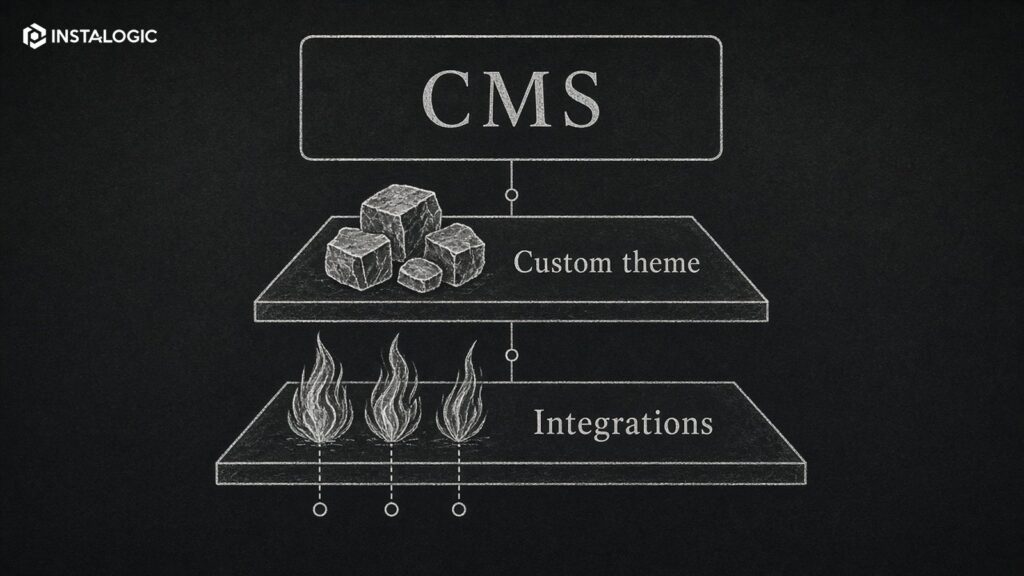
A custom theme can give you a distinct design without relying on a heavy page builder. Editors can manage pages and content without asking a developer for every change. There is a large ecosystem for SEO, forms, caching and integrations.
The trade-off is governance. A WordPress site becomes fragile when dozens of plugins overlap, updates are ignored or every new requirement is solved by installing another dependency.
Where Custom Development Is Strong
Custom development gives the team control over application behavior, data models, APIs, user roles and architecture.
It is often appropriate for SaaS products, portals, marketplaces, internal systems, complex booking, real-time dashboards or workflows that do not map cleanly to a CMS.
The trade-off is cost and ownership. Custom software needs an engineering process, testing, deployment and ongoing maintenance. You should not build a custom framework for a simple marketing site just because it sounds more advanced.
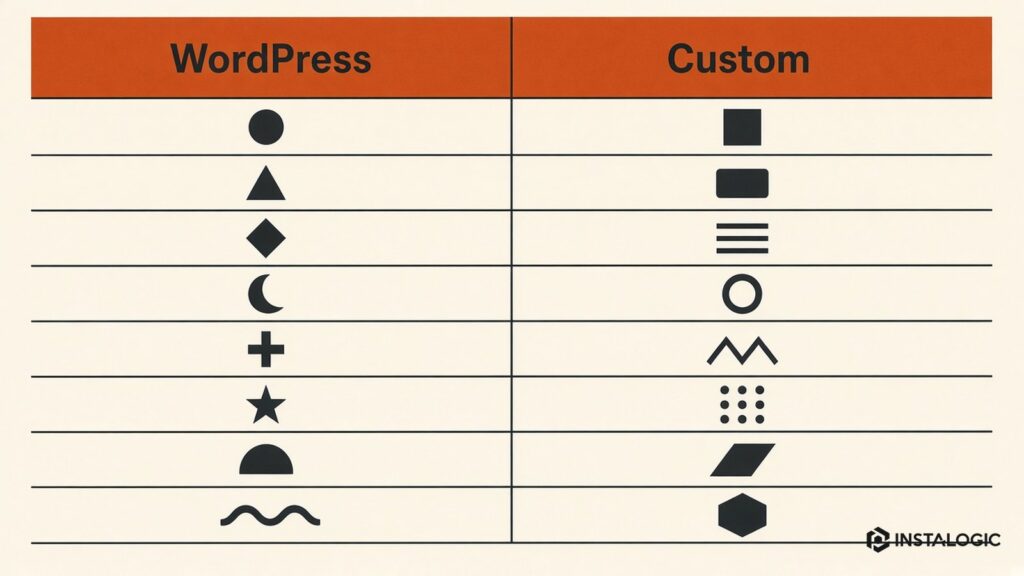
WordPress vs Custom Development
- Time to launch: WordPress is often faster for conventional content sites. Custom builds take longer when significant application logic is involved.
- Editor experience: WordPress provides a mature CMS. Custom projects must design and build an admin/editor experience or integrate another CMS.
- Flexibility: Both can be highly flexible, but custom development is better for unique business logic.
- Cost: WordPress often has a lower entry cost for standard sites. Custom development becomes worthwhile when the requirements justify engineering.
- Performance: Both can be fast. Poorly built WordPress can be slow; poorly engineered custom code can also be slow.
- Security: Both require maintenance. WordPress adds plugin/theme supply-chain considerations; custom code adds responsibility for the application's own vulnerabilities.
- Maintenance: WordPress needs core/plugin/theme updates and compatibility management. Custom systems need framework/library updates, infrastructure and code maintenance.
Avoid the Page-Builder Trap
WordPress itself is not the same as using a visual page builder.
Page builders can be useful when speed and editor freedom are more important than strict performance or custom behavior. But heavy builders can produce complex markup, create design inconsistency and make migration harder.
For long-lived business sites, consider a custom theme and controlled components. Give editors flexibility inside a design system instead of unlimited layout freedom.
When Headless Makes Sense
A headless CMS separates the content backend from the front-end application. WordPress can even be used headlessly.
This can make sense when content must feed multiple channels or when the front end has application-like needs. It also adds complexity: preview workflows, deployment, caching and integrations need more engineering.
Do not choose headless because it is fashionable. Use it when the business and technical requirements benefit from the separation.
Decision Checklist
- Is the site primarily content or primarily application behavior?
- Do non-technical editors need frequent control?
- Are workflows and user roles conventional or unique?
- What integrations are required?
- What is the expected lifespan and change rate?
- Who will maintain the system after launch?
- What are the performance and security requirements?
- How important is rapid publishing versus product-specific functionality?
Our Preferred Rule
Use the simplest maintainable architecture that supports the next realistic stage of the business.
For many marketing websites, custom WordPress is a strong middle ground: a mature CMS with a tailored front end and controlled components. For a true web application, build the application rather than trying to turn the CMS into one.
Technology should disappear behind a reliable user and editor experience.
An architecture is healthier when another competent team could take over with reasonable effort. Vendor lock-in may be acceptable when it delivers clear value, but it should be a conscious choice rather than a surprise discovered during a handover.
For custom development, require repository access and deployment documentation. For WordPress, document premium plugin/theme licenses and whether they belong to the client or agency.
Whichever approach you choose, confirm that the business controls the domain, hosting/cloud account, source code or theme/plugin code, third-party licenses and administrator credentials.
Ownership and Exit Strategy
Ask the technical team to explain which requirements are native to the chosen platform and which require custom code. The more the project fights the platform, the more maintenance risk grows.
An internal operations portal can sometimes begin in WordPress, but if the team keeps adding custom roles, complex state transitions and business logic, the CMS may become the wrong abstraction. The signal is not the number of pages; it is the uniqueness of the workflow.
A five-page professional-services website with a blog and lead forms is usually a strong WordPress candidate. A membership site with conventional subscriptions may also fit WordPress if a mature plugin handles the core model. A marketplace with custom vendor workflows, complex payouts and real-time matching is more likely to justify custom application development.
Example Decisions
Migration Paths Between WordPress and Custom Systems
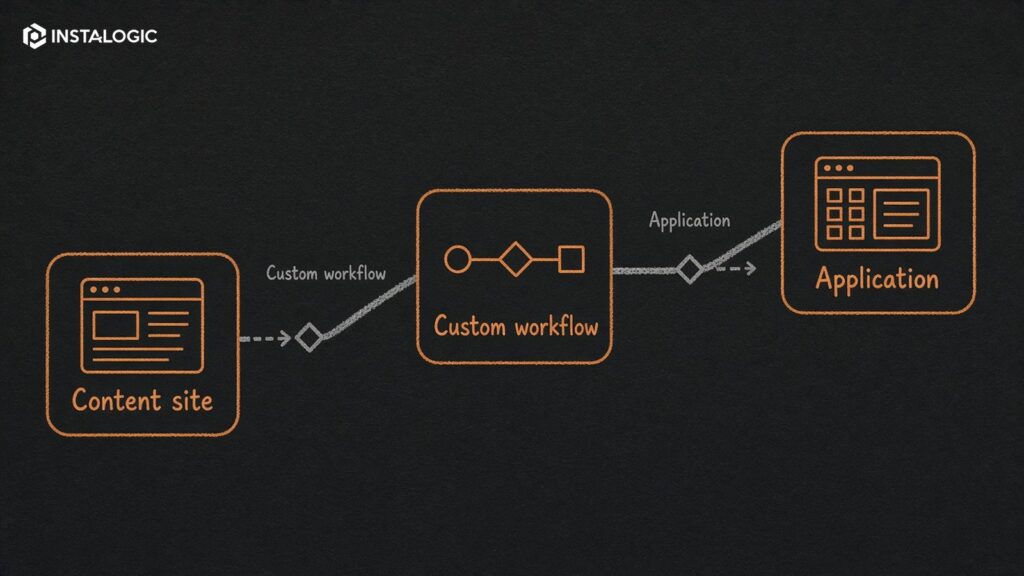
A technology choice is not permanent, but migration cost should influence the initial decision. A company may begin with WordPress for speed, then later move application functionality into a custom platform while keeping WordPress as the marketing CMS. That hybrid architecture can preserve editorial workflows while allowing the product to evolve independently.
The reverse can also happen. A company with a custom-coded marketing site may decide that editors need faster publishing and move content into WordPress or another CMS while retaining custom APIs and applications behind it. The goal is not ideological purity; it is placing each responsibility in the system best suited to handle it.
Plan clean boundaries from the beginning. Keep product/business logic out of presentation code where possible, use APIs deliberately, document data ownership and avoid hard-coding content that editors need to change frequently. Those practices make future migration less disruptive.
If a vendor claims the chosen platform can handle 'anything,' ask what happens when requirements outgrow the original architecture. A thoughtful answer should describe extension and migration options, not insist that every future problem will be solved inside the same tool.
Performance and SEO Are Architecture Requirements
Regardless of platform, include performance and search requirements in the build brief. Define how images are optimized, how scripts are controlled, how metadata and canonicals are managed, how redirects work and how important content remains crawlable.
A custom stack does not automatically produce better Core Web Vitals, and WordPress does not automatically perform poorly. The implementation details decide the outcome. Measure the live experience and make performance part of acceptance rather than a vague optimization task after launch.
Choose for the Next Realistic Stage
Do not design the architecture around a hypothetical future that may never happen. If the next two years require a strong marketing site and a few integrations, choose for that reality. If a product roadmap already includes complex user workflows, custom development may be justified earlier. Good architecture balances current simplicity with credible future change.
If unsure, prototype the riskiest requirement before committing to the full architecture. A small proof of concept can expose platform limitations early.
Frequently Asked Questions
Is a custom-coded website always faster than WordPress?
No. Performance depends on architecture, implementation, hosting, media and third-party scripts. Both can be fast or slow.
Is WordPress secure enough for a business website?
It can be, when core, themes and plugins are maintained, access is controlled and the hosting/security setup is sound.
Can WordPress handle e-commerce?
WooCommerce can support many stores. Very complex commerce workflows may justify a specialized platform or custom application.
Should I avoid Elementor or other page builders?
Not universally. They can be practical for some businesses, but a custom component/theme approach often gives better control for performance and design consistency.