
Website & CRO
Custom WordPress Plugin vs Ready-Made Plugin: When Should You Build Your Own?
Learn when to use an existing WordPress plugin and when custom plugin development is justified by workflow, integration, performance, ownership or product needs.

The Short Answer
Use a ready-made WordPress plugin when a reputable product already solves the requirement well, is actively maintained and fits your architecture.
Build a custom plugin when the workflow is unique, the integration is proprietary, existing plugins create unacceptable compromises, or the functionality is part of your competitive product.
Custom code is not automatically better. Every line you own becomes something your team must maintain.
When a Ready-Made Plugin Is the Better Choice
Common requirements such as SEO metadata, basic forms, caching, backups and many commerce functions already have mature plugin ecosystems.
A reputable plugin can save months of engineering and give you ongoing updates from a dedicated vendor.
Evaluate active maintenance, support, compatibility, security history, data ownership, performance and whether the licensing model fits your use case.
Do not choose purely by install count or star rating.
When Custom Plugin Development Makes Sense
Custom development becomes reasonable when your business process does not map cleanly to existing tools.
Examples include a proprietary pricing engine, integration with an internal ERP, custom content workflow, specialized search/indexing, unique checkout logic, API middleware or a product feature you intend to sell.
The business benefit should justify ongoing maintenance.
The Hidden Cost of “Almost Fits” Plugins
A plugin that solves 80% of the problem can look cheap.
Then the team adds hooks, snippets, add-ons and overrides to force the last 20%. Updates become risky. Nobody knows which customization depends on which plugin version.
At some point a focused custom plugin can be simpler than a chain of partially compatible products.
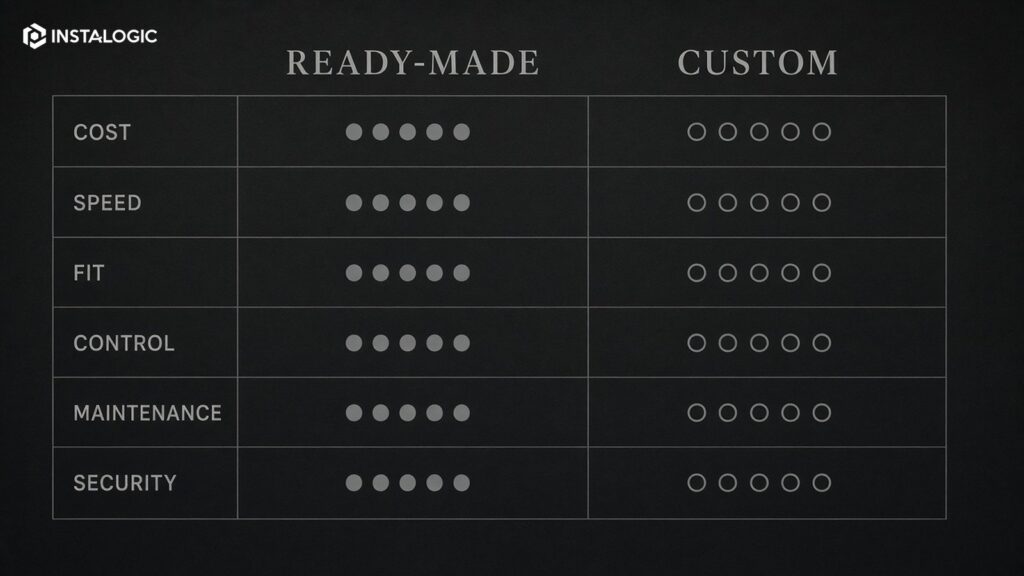
Custom vs Ready-Made: Key Trade-Offs
- Initial cost: Ready-made usually wins. Custom requires discovery, engineering, QA and documentation.
- Time to launch: Ready-made is faster when configuration is enough.
- Exact fit: Custom wins when requirements are genuinely unique.
- Maintenance: Vendor plugins shift much of maintenance to the vendor; custom code is your responsibility.
- Control: Custom gives more control over data, workflow and roadmap.
- Security: Both require diligence. Vendor plugins create supply-chain/update dependencies; custom plugins require secure engineering and review.
- Performance: A focused custom plugin may avoid unnecessary features, but poor custom code can be worse than a mature product.
- Support: Ready-made tools may have vendor support; custom support depends on your developer/team agreement.
Security Questions to Ask
For a ready-made plugin, check update frequency, compatibility, vulnerability history, permissions, data handling and whether the vendor has a sustainable business model.
For a custom plugin, require WordPress security practices: capability checks, nonce/CSRF protection, input validation, output escaping, prepared database queries, safe file handling and clear API authentication.
Security should be part of acceptance criteria, not a cleanup task after launch.
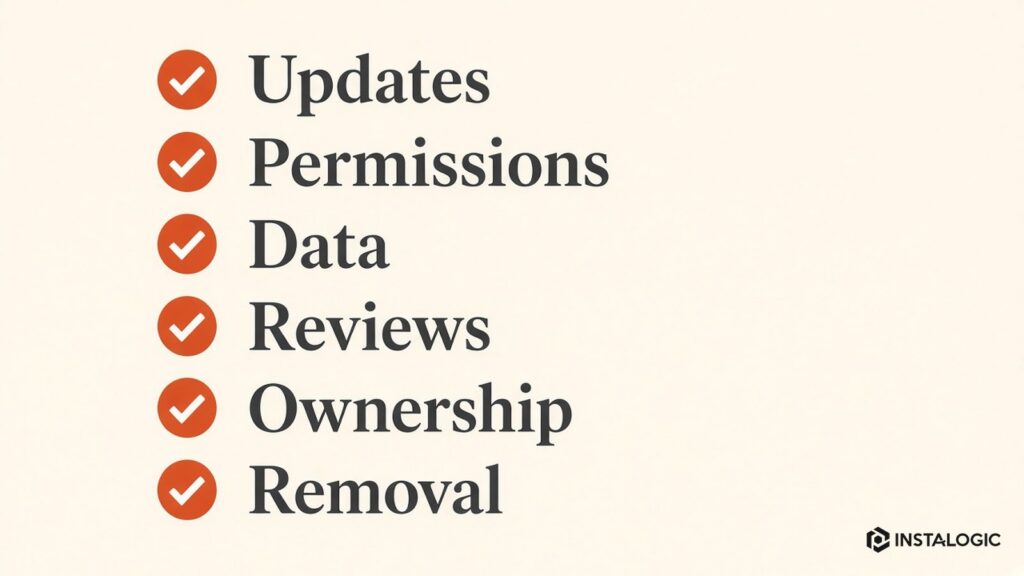
Avoid Editing Vendor Plugins Directly
Never solve a customization by editing a third-party plugin's core files if the change will be overwritten by an update.
Use supported hooks/filters, an extension plugin or a custom integration layer.
If the vendor provides no safe extension points and your business depends on deep modification, that is a signal to reconsider the architecture.
When the Plugin Is a Product
If you intend to distribute the plugin to other customers, the standard changes significantly.
You need onboarding, settings UX, backward compatibility, upgrade/migration logic, localization, security review, licensing where applicable, support and documentation.
A plugin product is software, not a one-off site customization.
A Decision Framework
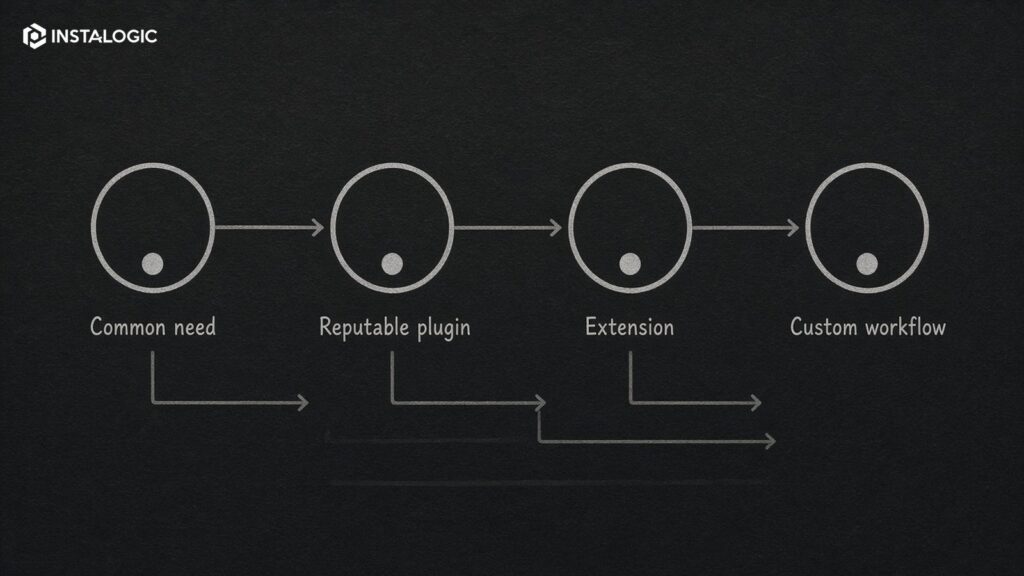
Choose ready-made if the requirement is common, the plugin is reputable and the fit is close.
Choose custom if the workflow is strategic, unique and stable enough to justify ownership.
Choose an integration/extension approach when a strong product handles the core need but requires a controlled layer around it.
The best WordPress architecture usually contains fewer, better-understood plugins - not the largest possible plugin library.
Define who is responsible after launch. A custom plugin without an owner gradually becomes legacy risk, even if it was well designed on day one.
Track third-party API changes and plugin dependencies. Add logging that is useful for support without exposing secrets or personal data. For distributed products, include upgrade/migration routines and backward compatibility testing.
Store the code in version control and document setup, data structures, scheduled tasks, external APIs and important hooks. Use staging for updates and test against supported WordPress/PHP versions.
Maintenance Plan for a Custom Plugin
This pattern reduces custom surface area and makes testing easier. It also creates a clean boundary for future replacement if either system changes.
A better architecture may be a focused custom plugin that listens to supported commerce hooks, transforms the required order/product data and communicates with the ERP API. The vendor plugin continues to handle its core responsibility; your custom code owns only the unique integration.
Suppose a mature e-commerce plugin handles products, cart, checkout and payments well, but the business needs a proprietary ERP synchronization. Replacing the commerce plugin would recreate a large amount of stable functionality for no business benefit.
Example: Integration Layer Instead of Full Custom Replacement
How to Scope a Custom WordPress Plugin Before Development
Write the plugin requirement as a workflow before discussing code. Identify the users, trigger, data involved, expected output, permissions, external systems and failure behavior. If the plugin has an admin interface, list the settings and actions an administrator genuinely needs.
Separate core requirements from product ideas. A first release may need one integration and two configuration options, while reporting dashboards, notifications and additional providers can come later. Smaller scope reduces security and compatibility risk and makes QA more realistic.
Document the WordPress boundaries. Which post types, users, orders or metadata will the plugin read or change? Which hooks or APIs are available? Does it need scheduled events, background processing, file uploads or outbound webhooks? These details determine architecture and testing.
Define acceptance criteria in business language: what should happen, what should never happen and how an administrator knows the action succeeded or failed. Then add technical requirements for logging, permissions, data cleanup on uninstall where appropriate, coding standards and supported WordPress/PHP versions. A clear scope prevents a 'small plugin' from becoming an undocumented application.
Testing a Custom Plugin
Build a test plan around user roles, valid and invalid input, permissions, API failures, duplicate events, scheduled jobs and upgrade paths. If the plugin touches checkout, user accounts or payments, test those flows on staging with realistic data before production deployment.
Regression testing matters after WordPress core, PHP, WooCommerce or dependent plugins update. A custom plugin is part of the site's software supply chain and should have an owner who can verify compatibility over time.
For commercial plugins distributed to many sites, add automated tests where practical and test upgrade/migration behavior against older supported versions. One broken update can affect every customer at once.
Keep the Plugin Narrow
A custom plugin is easier to secure and maintain when it has one clear responsibility. Avoid turning a site-specific plugin into a catch-all location for unrelated snippets and integrations. If several features have different owners or release cycles, separating them can reduce regression risk and make future handover easier.
Before release, test the plugin on a clean staging copy as well as the existing production-like site. Conflicts often appear only when themes, caching layers and other plugins interact. Maintain a supported-version matrix so future updates can be tested against known combinations instead of relying on assumptions.
Frequently Asked Questions
Is a custom WordPress plugin more secure?
Not automatically. Security depends on engineering quality, review and maintenance. Mature commercial plugins can be secure, and poorly written custom plugins can be dangerous.
How much does custom plugin development cost?
It depends on workflow complexity, integrations, UI, data model, testing and support. Define the requirement before estimating.
Can I customize an existing plugin?
Often yes through hooks, filters, APIs or an extension plugin. Avoid editing vendor core files because updates can overwrite changes.
When should a plugin be built as a separate product?
When functionality has value beyond one site and you are prepared to maintain compatibility, upgrades, support, security and documentation.